Pinch of This
A recipe should be easy to find when it is time to cook. I designed and built Pinch of This to bring website links, social videos, and handwritten cards into one personal collection, with cooking tools and shopping lists that carry the recipe into everyday use.
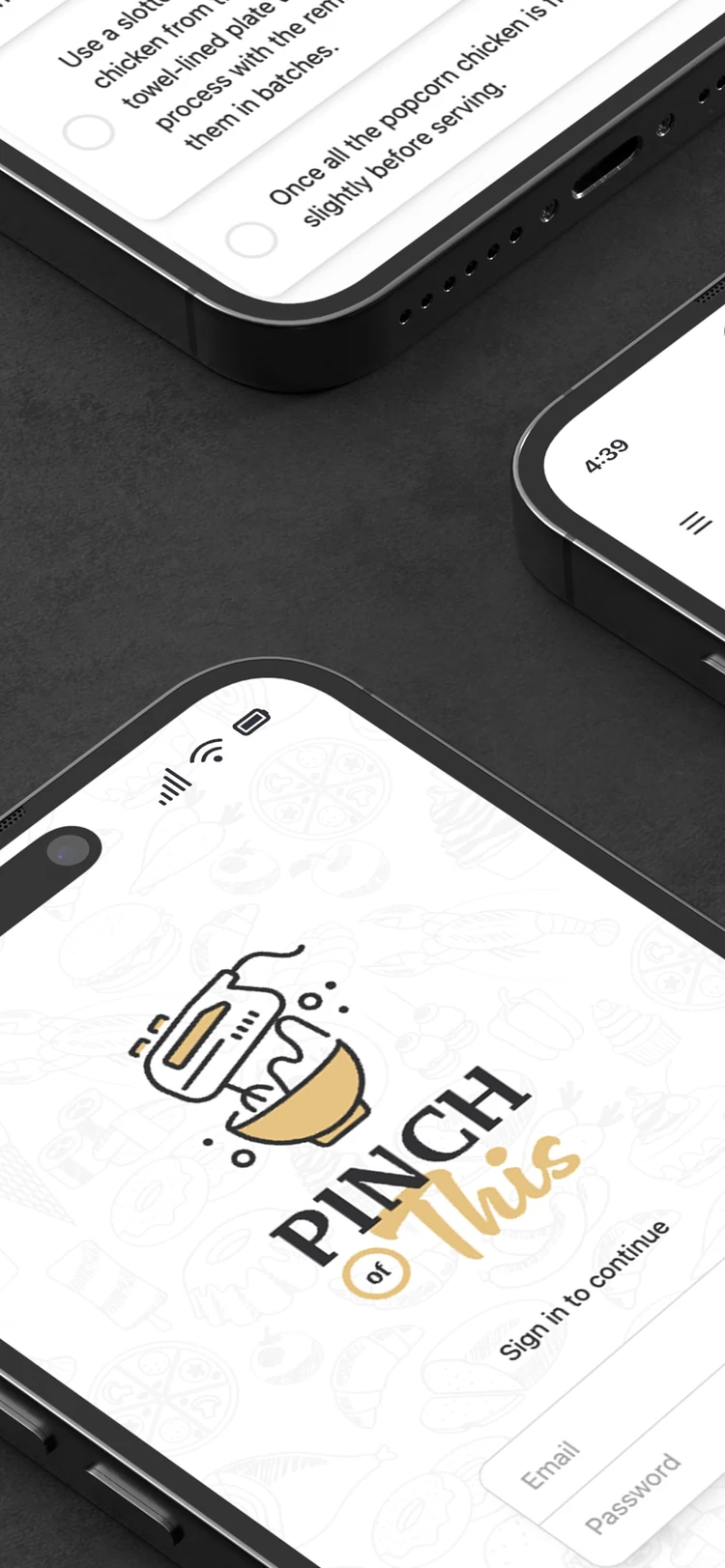
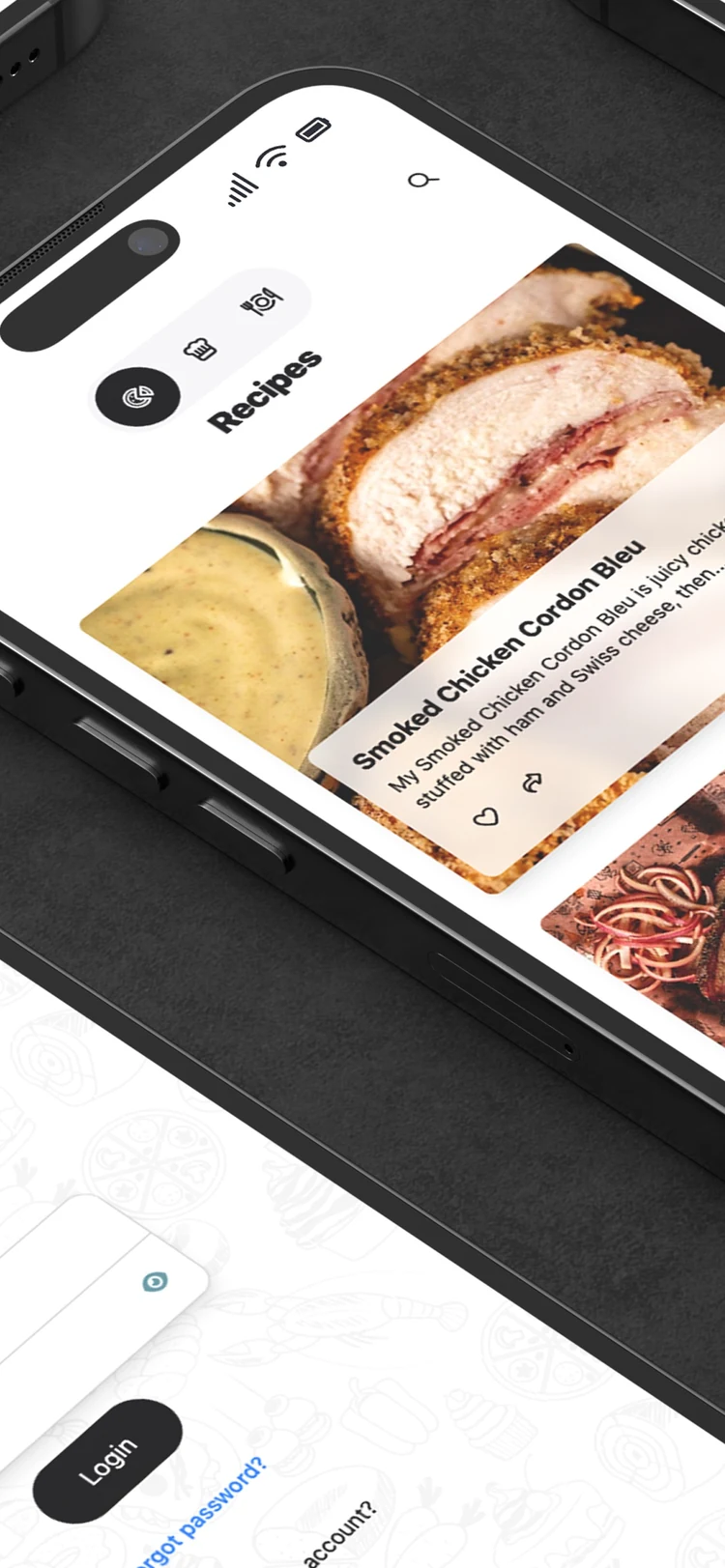
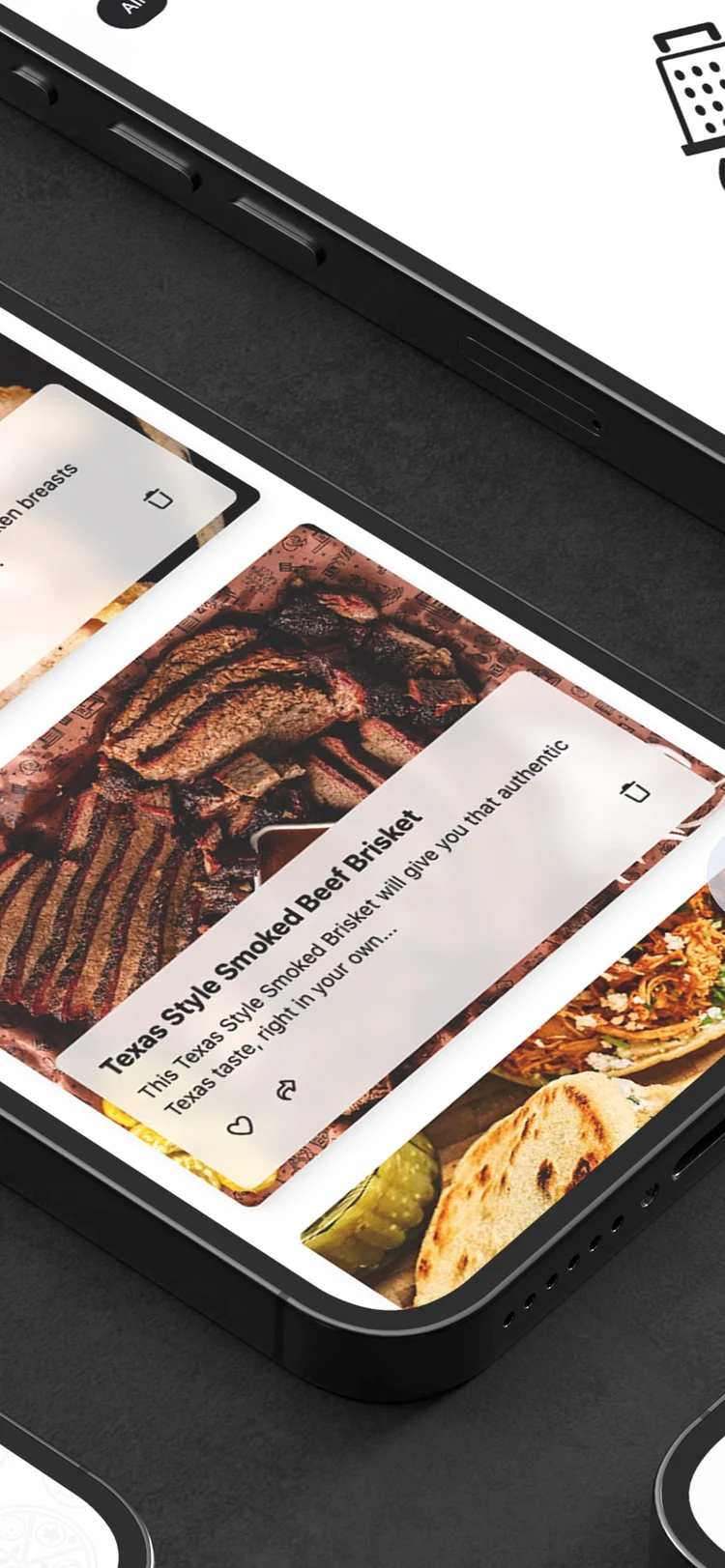
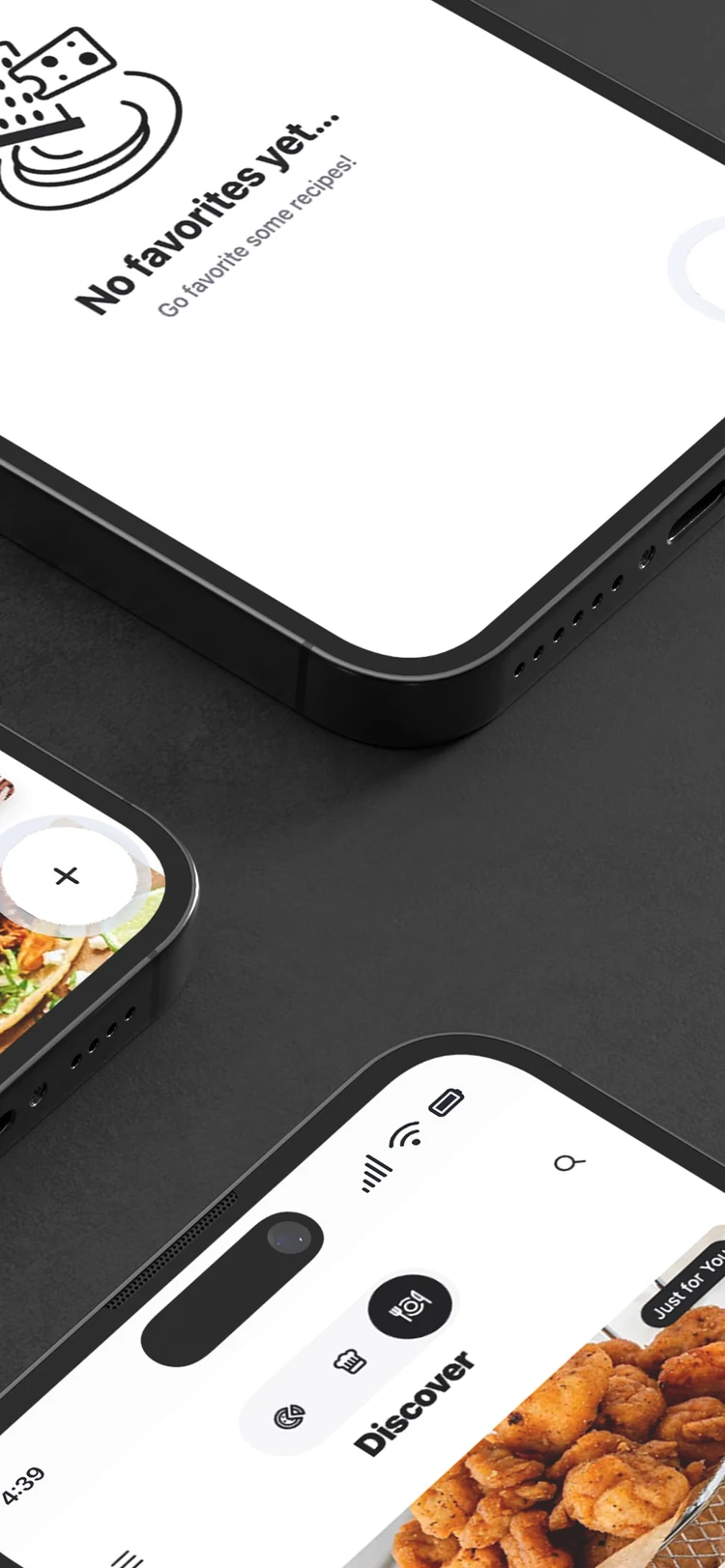
Built around a real kitchen.
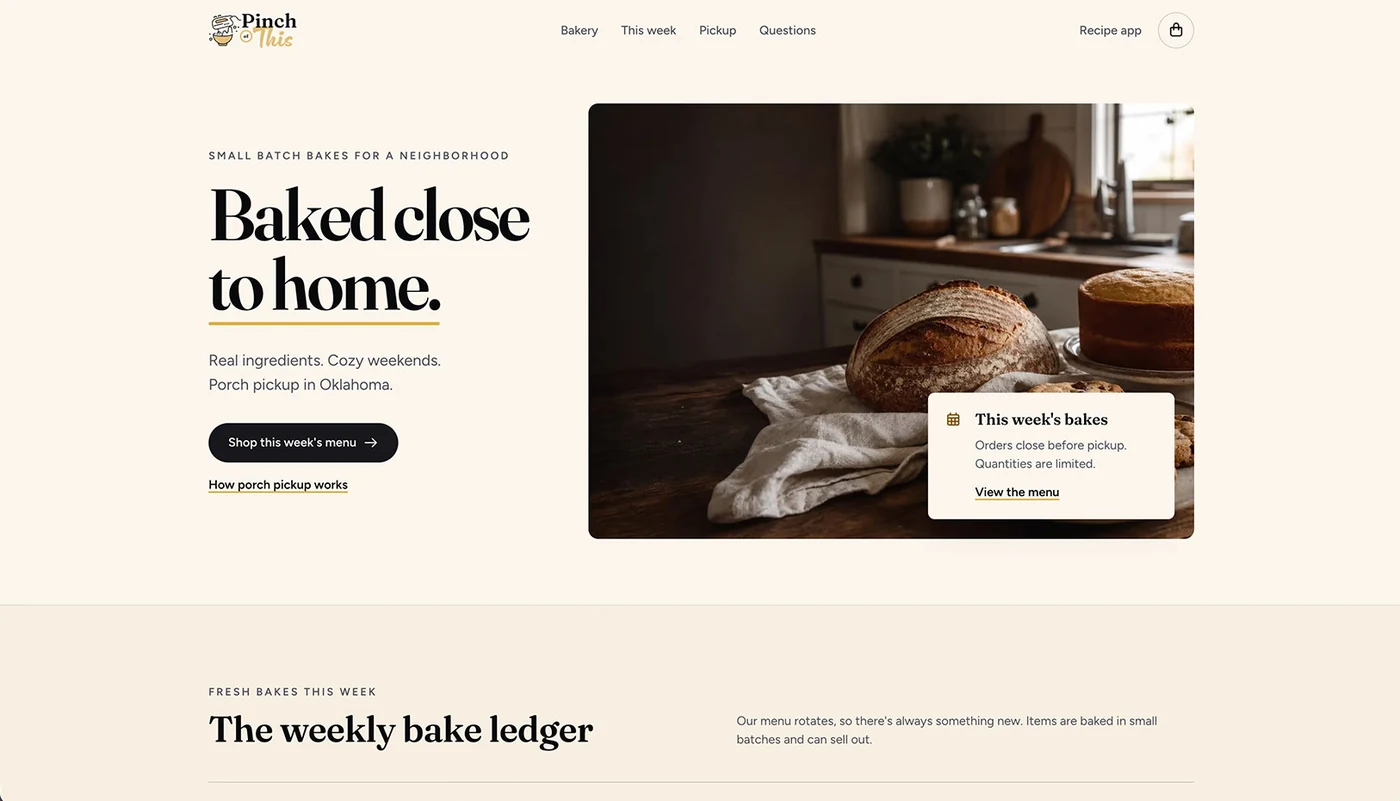
The project began with a payment and scheduling site for my wife’s porch bakery. I created the brand and built a way for customers to choose baked goods, schedule a pickup, and pay online.
Her frustration with recipe collection apps became the next problem to solve. Recipes arrived as links, social posts, photos, and handwritten cards. Saving them was only the beginning; they also needed to be readable, searchable, and useful while cooking.
I carried the work from visual identity into the mobile interface and implementation, building the app around the path from finding a recipe to making it again.
How do you turn a scattered collection of recipes into something you can actually cook from?
From “save this” to “make this.”
Different sources converge on the same recipe format. Once a recipe is in the collection, the next actions stay close: find it, open it, cook from it, or add its ingredients to a shopping list.
- 01
Bring it in
Import a link, scan a page or image, paste text, or write a recipe manually.
- 02
Make it usable
Review scanned content and edit the title, ingredients, instructions, and recipe details.
- 03
Keep it close
Search the collection, favorite the recipes worth returning to, and share with friends.
- 04
Put it to work
Open cook mode, check ingredients, and move what you need into the shopping list.
A familiar place for unfamiliar sources.
The iPhone experience brings a visual recipe collection, guided scanning, and cooking tools into one place. Each screen keeps the next action close to the recipe.
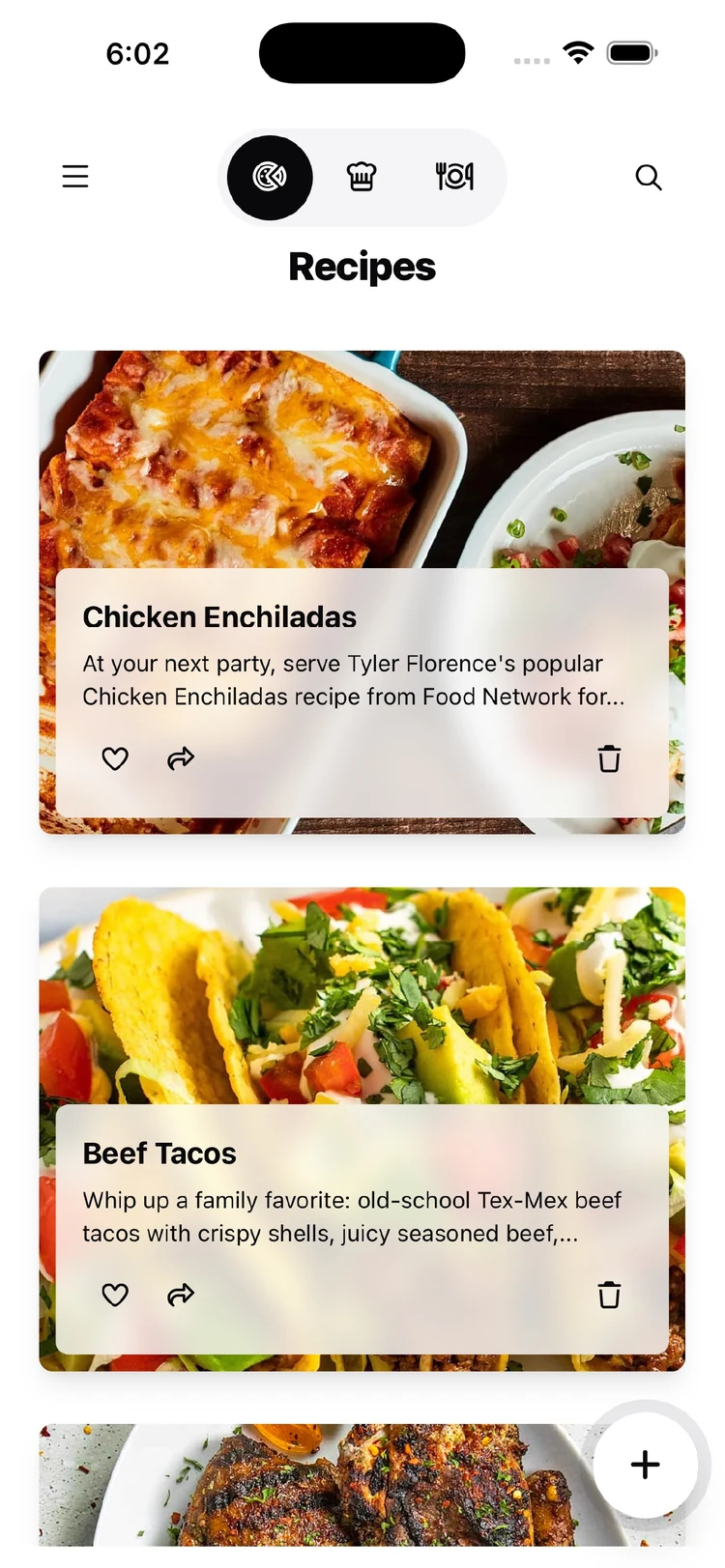
Recognize it at a glance.
Food photography and short descriptions make browsing the collection visual. Favorites and search provide direct ways back to a recipe.
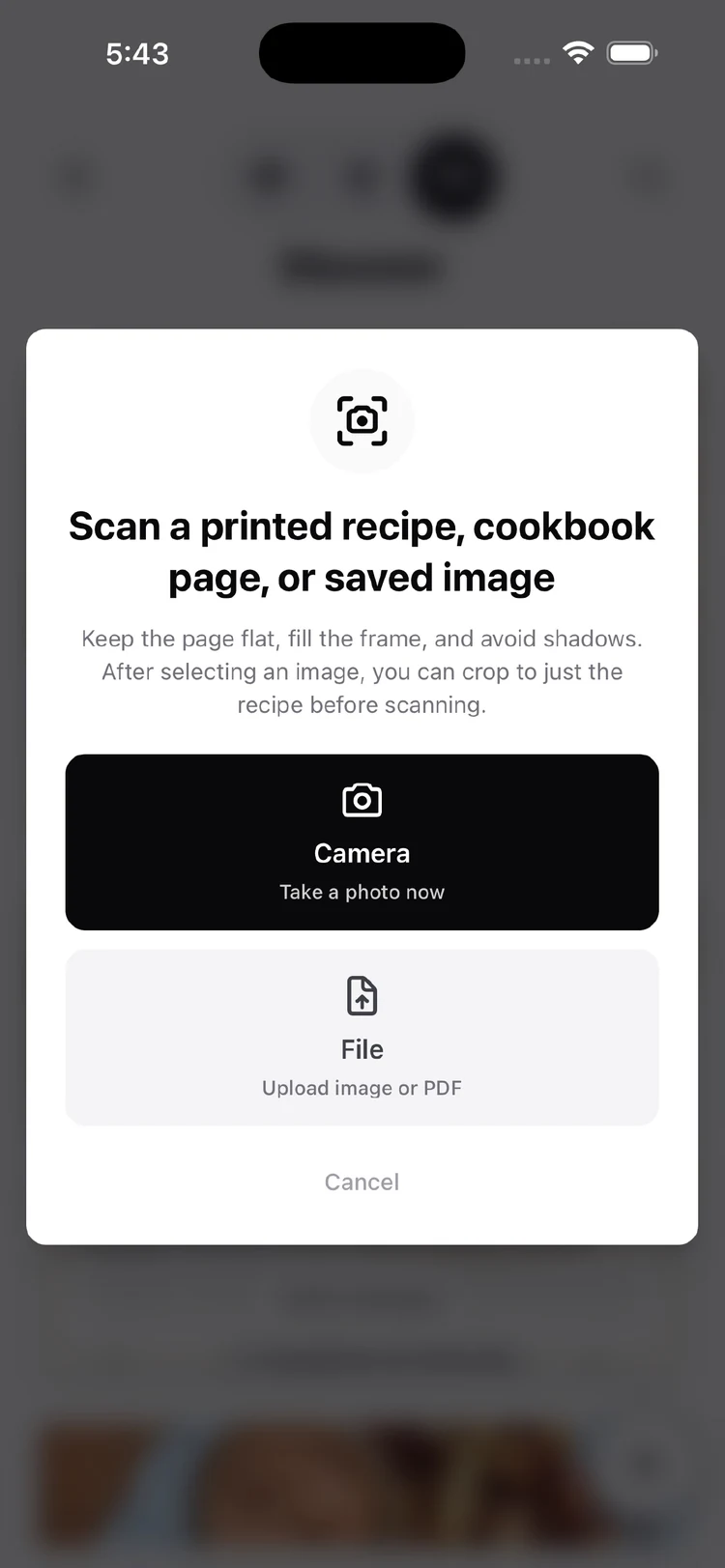
Start with what you have.
The scan flow makes camera and file choices explicit. Guidance explains how to frame a printed recipe, cookbook page, or saved image, with cropping available before processing.
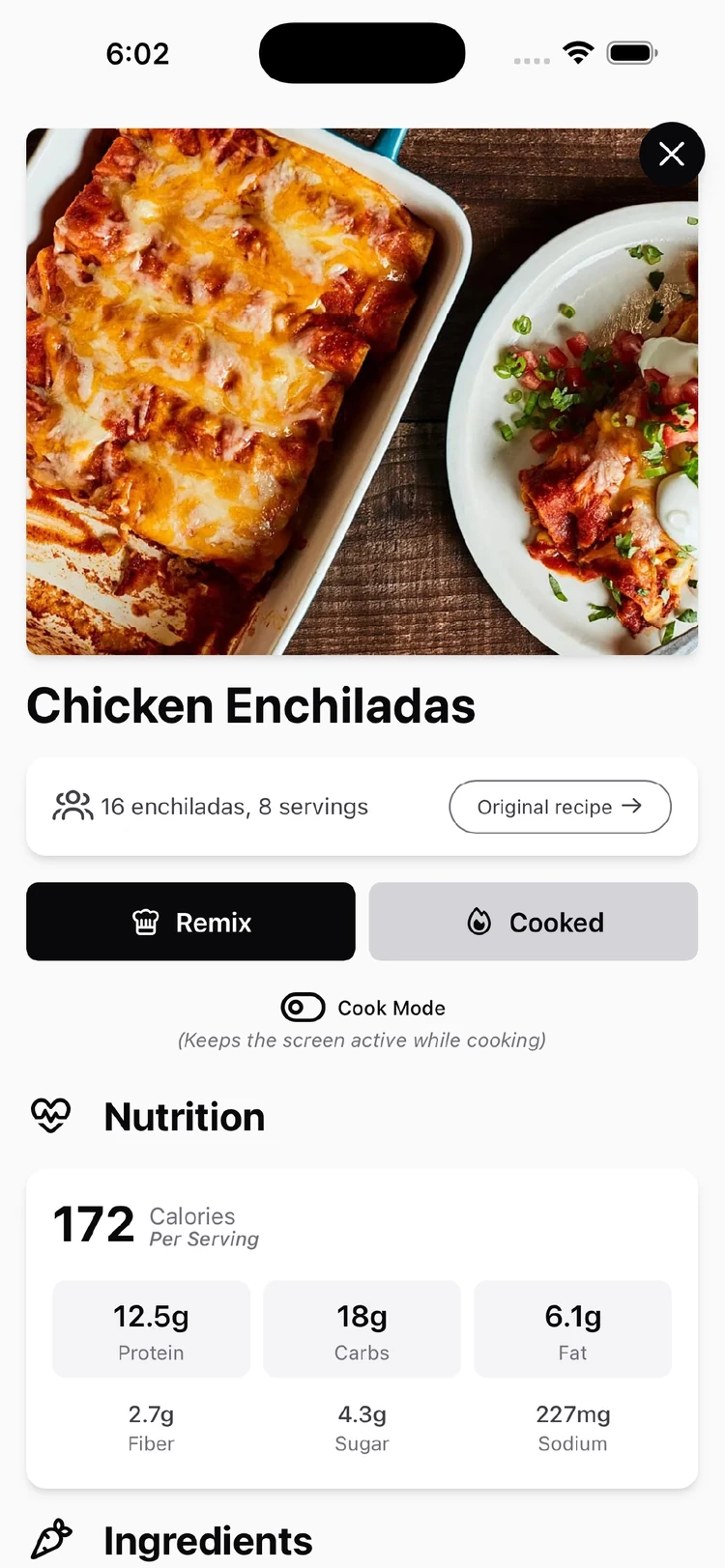
Keep the useful parts close.
Servings, the original source, nutrition, and cooking actions sit within the recipe. Cook mode keeps the screen awake while the recipe is in use on supported devices.
The details that make it dependable.
Give automation a review step.
OCR and AI help turn inconsistent source material into a recipe. Scanned recipes remain editable, and incomplete imports have an explicit warning. The design leaves room for correction when the source or extraction is imperfect.
Preserve the original meaning.
Ingredient conversions retain the original text. When an amount or preparation is ambiguous, the app keeps the source wording instead of presenting an unsupported metric conversion. “Chopped” and “grated” can make a meaningful difference.
Support planning and the store.
The list can be viewed by recipe or by ingredient, with ingredients organized by store aisle. Combined entries retain their recipe contributions, so editing a total does not silently change every underlying item.
Make the first action obvious.
Guest entry and an illustrated empty collection give people a way to begin. Camera and file choices explain what can be scanned, while the add button remains available as the collection grows.
Keep people oriented when something changes.
An import can be incomplete. A connection can disappear. The same recipe can change on another device. Those situations need understandable next steps as much as the main workflow does.
- An import is incomplete
- Explain that the recipe is partial and let the person choose whether to continue, with editing available to fill in the missing details.
- A task requires a connection
- Separate online import requirements from supported offline work. Pending recipe changes expose their sync status and can be retried after a failure.
- Two versions disagree
- Show the offline change and the online version, then offer a deliberate choice to keep the local change or use the online version.
- A shopping list cannot sync
- Keep pending changes for another attempt and show a retry action. Account-specific storage keeps one person’s list separate from another’s.
Designing the product meant building the details.
Over a year of development, Pinch of This became a way to work through the full product: branding, interface design, AI-assisted importing, and the implementation behind everyday interactions.
Working directly in the app made the tradeoffs tangible. A polished import flow still needs an incomplete state. A convenient conversion still needs to preserve the source. An offline edit still needs a clear way back to the saved collection.